Identify the product
Find the model, purchase date, and seller on your product and order records.

Breathe Safe®
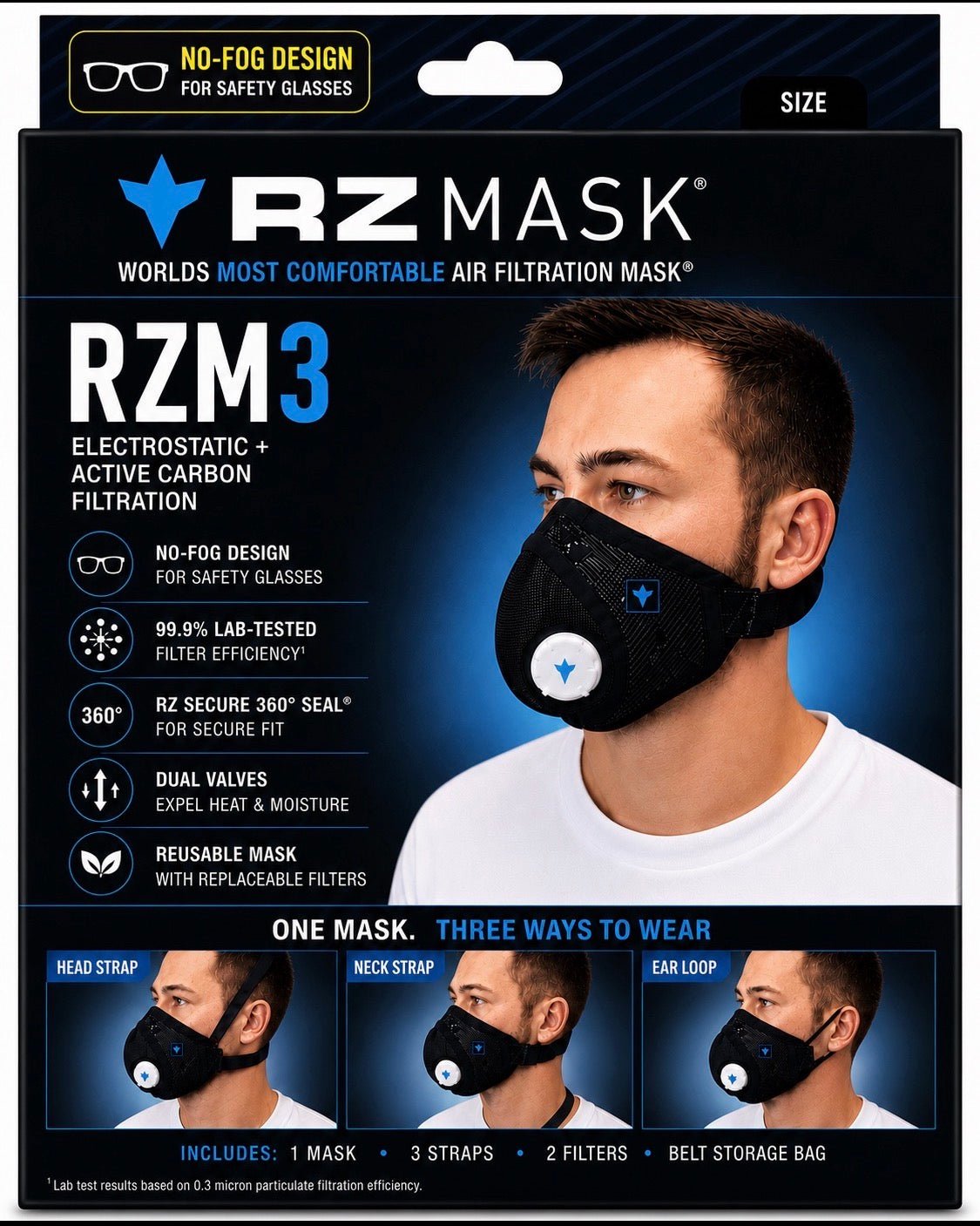
Warranty and product help
Keep your product details and proof of purchase together so RZ can help with the correct warranty or service information.
A clear support path
Check the model on your product and use the matching instructions. If you cannot identify it, ask RZ before ordering parts or following guidance for a different model.
Find the model, purchase date, and seller on your product and order records.
Have your order confirmation or receipt ready. Ask customer service about any product specific registration requirements.
Check the warranty that applies to your product and purchase. Contact RZ if the coverage or proof requirements are unclear.
Tell RZ whether you need help with a warranty issue, missing part, fit question, or replacement.
Use the current instructions supplied with your product. Contact RZ for the correct document or policy for your model and order.
Product and order support
Tell RZ which product you have, what you are trying to do, and where the uncertainty begins so the right person can respond with useful context.
Connect with the right team
Customer service and sales use separate forms so your request reaches the right place.
Please complete the fields marked required. You can leave the others blank.
You can also email RZ Sales. No request has been submitted.
RZ will use your contact details and request to respond. Marketing emails are optional and require a separate signup or opt-in. Privacy policy.
If your purchase includes the 12 month filter supply offer, complete the activation form.
Activate your filter supply